
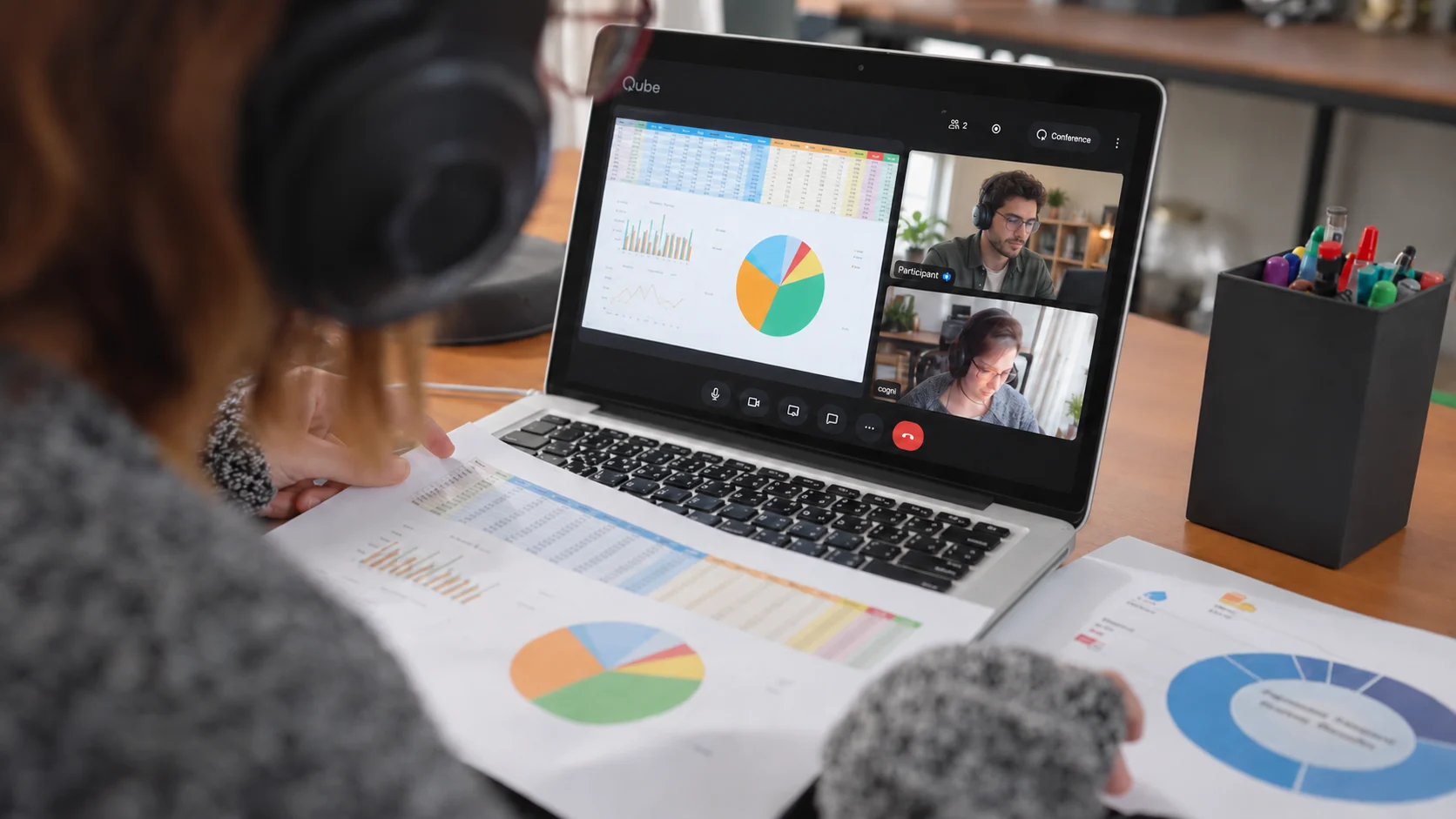
Vendor & External Teams
Give external teams the work without creating a permanent copy of the workspace
Let consultants, contractors, offshore teams, and specialist vendors use the approved applications and material inside Qube without cloning files, credentials, and working state onto unmanaged devices.
Where the risk begins
Collaboration gets risky when access means distribution.
External specialists often need to operate real tools, inspect current state, and produce an output. A normal meeting shares a view while the actual work and credentials still move across participant devices.
Every participant creates another copy path
Documents, exports, screenshots, repositories, and credentials accumulate across personal laptops, vendor systems, chat threads, and temporary file shares.
Screen sharing is observation, not a workspace
A consultant can watch a host click through a system, but meaningful joint work still pushes someone toward remote-control access, file delivery, or a broader account.
Offboarding starts after the data has moved
Revoking an account does not retrieve local copies, cached exports, meeting recordings, or material already ingested by local software.
A Qube operating model
Keep the meeting and the work inside the same security boundary
Build the least-privilege room
Prepare only the applications, limited accounts, project files, and sample or production data required for the engagement. Confirm identities and permitted outputs before anyone joins.
Operate the shared workspace together
The vendor interacts with the approved tools inside Qube Computer while the internal owner sees the same state, answers questions, and keeps the broader environment outside the session.
Close access and release approved outputs
Dispose of the temporary workspace, revoke engagement-specific accounts, and deliver only the artifacts the external team is authorized to keep.
The Qube advantage
Security designed around the work, not only the call
One controlled computer replaces scattered copies
Applications and working files stay together in the cloud room, so participation does not require a local clone of the project workspace.
Local tools sit outside the work
Endpoint isolation keeps local AI assistants, extensions, and background applications away from the files and application state inside Qube.
Higher-assurance sessions can see beyond the tab
A paired surroundings view, acoustic safeguards, and forensic watermarking extend the control set around physical capture and later attribution.
The engagement ends cleanly
The disposable computer closes with the session while approved deliverables and any authorized recording follow their own explicit policy.
Compared with meeting apps
E2EE protects the call. Qube protects the entire working environment.
Zoom, Teams, Google Meet, and Proton Meet connect internal and external teams. Qube secures the work between them with a shared cloud computer, encrypted media, protected delivery, local-app isolation, contextual controls, and a disposable boundary around the engagement.
Qube
- Protected meeting stream
Qube delivers the meeting and shared workspace through a protected streaming path designed to block ordinary software capture on supported clients.
- Local AI / app isolation
Files, applications, and working state stay inside Qube’s cloud workspace, outside the participant’s local desktop and local AI tools.
- Context enforcement
Qube monitors fullscreen and focus, covers or pauses protected content when the participant leaves the session, and records the event for review.
Zoom
- End-to-end meeting encryption
- Included
- Zoom offers end-to-end encryption for meeting media.
- Local AI / app isolation
- Not documented
- The product documentation does not show a native equivalent.
Microsoft Teams
- End-to-end meeting encryption
- Included
- Teams offers end-to-end encryption for meeting media.
- Local AI / app isolation
- Not documented
- The product documentation does not show a native equivalent.
Google Meet
- End-to-end meeting encryption
- Included
- Google Meet offers client-side encryption for meeting media.
- Local AI / app isolation
- Not documented
- The product documentation does not show a native equivalent.
Proton Meet
- End-to-end meeting encryption
- Included
- Proton documents transport protection alongside participant-side encryption.
- Local AI / app isolation
- Not documented
- The product documentation does not show a native equivalent.
Before the room opens
Questions teams ask
Does Qube replace vendor identity and access management?
Your organization verifies identities, approves participants, limits application accounts, and revokes access. Qube enforces those decisions inside the protected working room.
Can the vendor keep the result?
Yes, when the engagement owner approves it. Export or deliver the agreed artifact through the designated channel; do not make unrestricted download the default for the whole workspace.
Evaluate the real workflow
Bring the meeting, the tools, and the protection requirements.
We will build the bounded room and show exactly where Qube changes the security model for this use case.
Content reviewed October 18, 2026.