Session-specific forensic marks
Qube can place a persistent mark across protected playback so exposed frames can be connected back to the room they came from.
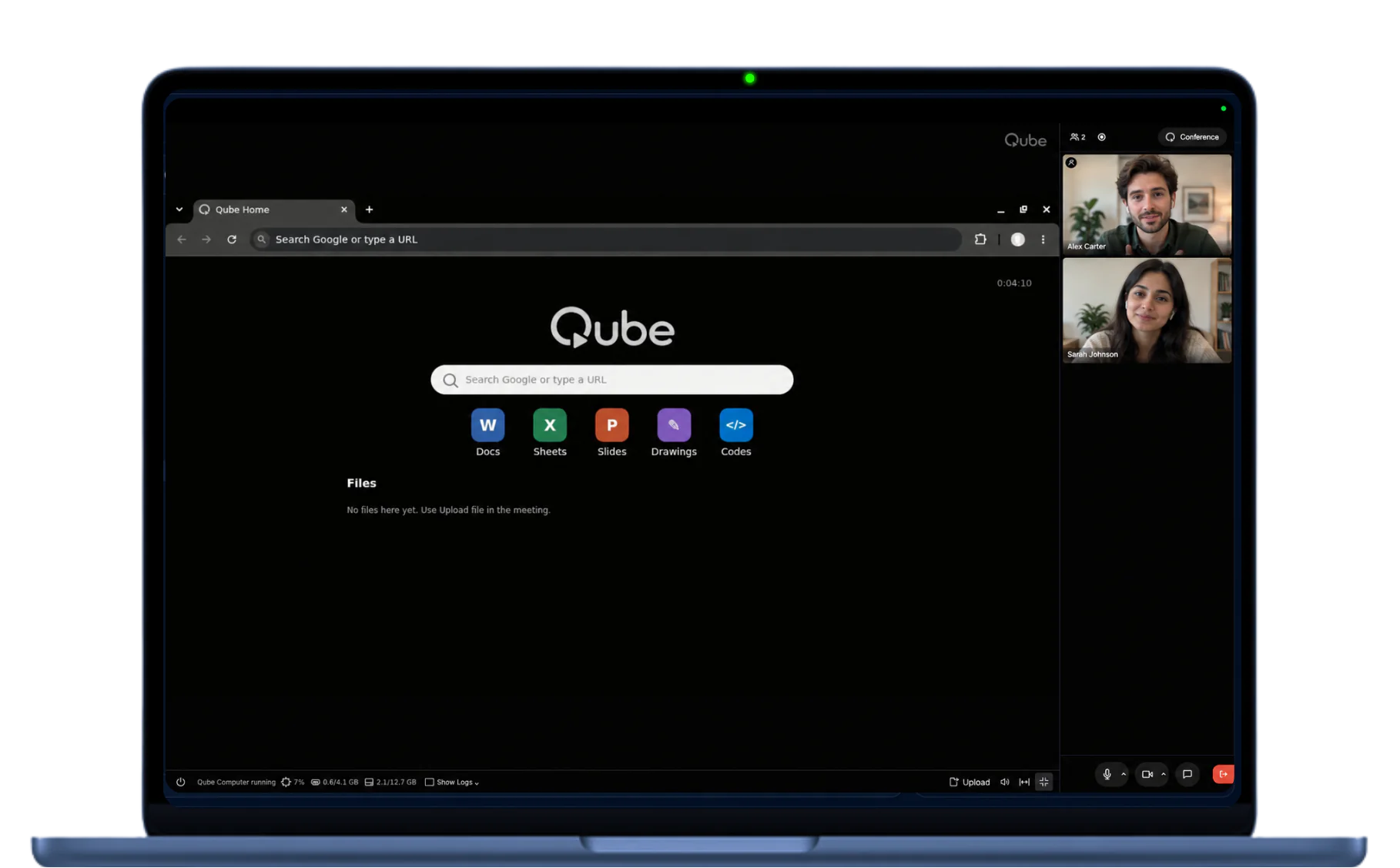
The meeting runs inside an isolated Qube room. Input travels in; protected video, audio, and workspace come back out.
Qube moves the trust boundary.

Qube applies protected-media technologies used for high-value streaming to the live meeting path, combining DRM/CDM playback with Qube's isolated room and session controls.
See compatibility & security researchProtected video means little if the conversation can leak through the speakers. Qube monitors the audio path for signs that protected meeting sound is escaping into the room and being picked back up by a microphone. When leakage is detected, Qube can stop the protected audio and require headphones before the meeting continues.
The stream stays protected all the way to the participant's ears.
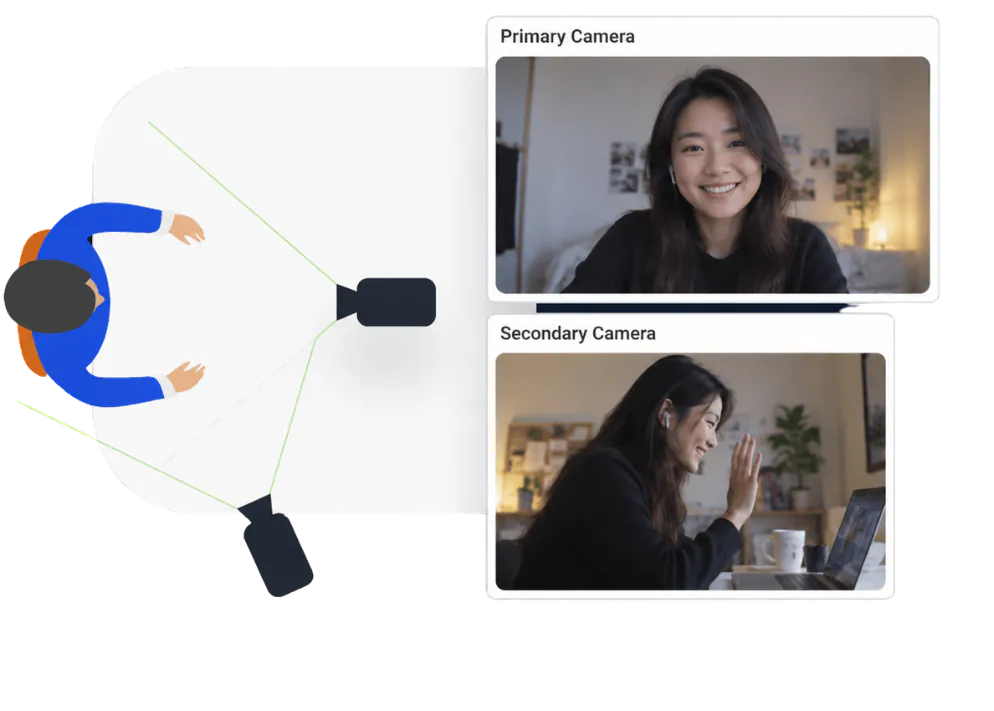
A laptop camera only shows what is directly in front of it. Qube can pair a second device to provide an independent live view of the participant's surrounding workspace, including the desk, hands, screens, and environment around the meeting. For higher-assurance sessions, Qube can require that second view to remain connected throughout the meeting.
Protection that continues beyond the laptop camera.
Traceability and evidence
Qube connects the protected stream, participant context, shared work, and authorized record to the same room. If material escapes, the investigation starts with evidence.
Qube can place a persistent mark across protected playback so exposed frames can be connected back to the room they came from.
Participant video, the paired surroundings view, context enforcement, and security events stay connected for live and post-session review.
When recording is enabled, the conversation, workspace activity, security events, and supporting evidence remain on the same session timeline.
Qube currently describes forensic attribution at the session level. Physical cameras and microphones remain outside the software boundary; environmental controls and the evidence record raise the barrier and support review.
Read the protection coverage and validation status and the architecture research.
Can't find what you're looking for? Book a demo.