
Security & Compliance
Prove controls inside a protected room
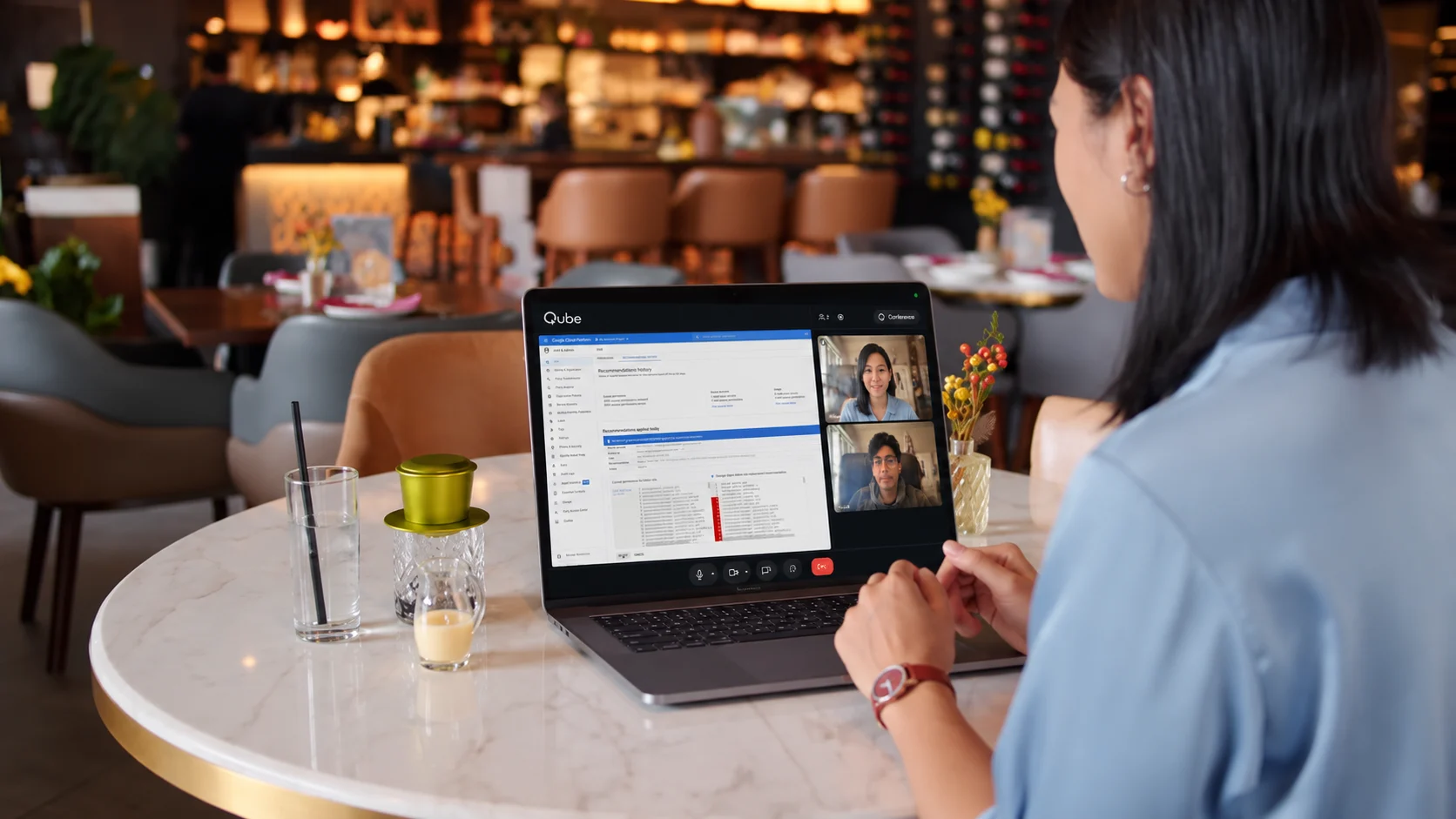
Open controls, architecture, dashboards, and evidence live inside one protected Qube room. Reviewers see the system in context while the working set stays under your control.
What Qube changes
The review needs proof. Your environment still needs a boundary.
A buyer needs to see that a control operates, not just read a policy. Conventional screen sharing renders sensitive evidence on every participant endpoint.
Evidence spreads before the review starts
Teams export SOC 2 artifacts, architecture diagrams, control screenshots, and remediation notes so they can be attached to email, a portal, or a conventional meeting invite.
The endpoint becomes part of the trust model
Once a dashboard or control record is visible on a participant computer, local capture tools, AI assistants, browser extensions, and recorders share the same endpoint.
The audit trail loses the explanation
A screenshot can show a result without preserving the question, scope, owner, exception, or decision that made the evidence meaningful.
How Qube works
Keep the meeting and the work inside the same security boundary
Prepare a bounded evidence room
Load only the approved policies, control samples, diagrams, and limited dashboards. Remove unrelated customer data and use review-specific credentials where a live system is required.
Walk through the control live
Open the evidence inside Qube Computer. The control owner can explain what the reviewer is seeing, answer follow-up questions, and move between documentation and the operating system without emailing the underlying files.
Deliver only what must be retained
Close the disposable workspace after the review. Send formal evidence through the approved audit or trust channel, and apply a separate retention policy to any authorized Qube recording.
What Qube protects
Protect the meeting and everything your team opens inside it
Evidence stays in the working room
Files, browser sessions, and review tools run in Qube’s cloud workspace instead of being copied onto every reviewer device.
Protected delivery covers the live view
Qube uses protected media to resist ordinary local software capture after the stream reaches a supported participant device.
Security events stay connected to context
Focus changes, meeting state, participant activity, and the authorized record remain tied to the review instead of becoming isolated alerts.
The temporary workspace has a clear end
The cloud computer is disposed after the session. Retained evidence and recordings follow the explicit policy chosen for the review.
Compared with meeting apps
E2EE protects the call. Qube protects the entire working environment.
Zoom, Teams, Google Meet, and Proton Meet encrypt calls. Qube encrypts the meeting and secures the evidence, applications, cloud computer, delivered pixels, participant context, and review record as one protected room.
Qube
- Protected meeting stream
Qube delivers the meeting and shared workspace through a protected streaming path designed to block ordinary software capture on supported clients.
- Local AI / app isolation
Files, applications, and working state stay inside Qube’s cloud workspace, outside the participant’s local desktop and local AI tools.
- Context enforcement
Qube monitors fullscreen and focus, covers or pauses protected content when the participant leaves the session, and records the event for review.
Zoom
- End-to-end meeting encryption
- Included
- Zoom offers end-to-end encryption for meeting media.
- Local AI / app isolation
- Not documented
- The product documentation does not show a native equivalent.
Microsoft Teams
- End-to-end meeting encryption
- Included
- Teams offers end-to-end encryption for meeting media.
- Local AI / app isolation
- Not documented
- The product documentation does not show a native equivalent.
Google Meet
- End-to-end meeting encryption
- Included
- Google Meet offers client-side encryption for meeting media.
- Local AI / app isolation
- Not documented
- The product documentation does not show a native equivalent.
Proton Meet
- End-to-end meeting encryption
- Included
- Proton documents transport protection alongside participant-side encryption.
- Local AI / app isolation
- Not documented
- The product documentation does not show a native equivalent.
Common questions
What teams ask before using Qube
Does a Qube review replace our audit or trust portal?
Your audit, GRC, or customer-trust system remains the source of truth for requests, approvals, and retained evidence. Qube is the protected live room where reviewers inspect the controls without receiving the working set.
Can the reviewer receive evidence after the meeting?
Yes. Decide which artifacts must be delivered, redact them appropriately, and send them through the approved channel. The live walkthrough and retained evidence are separate decisions.
Live Qube room
Experience Qube's protection live.
Open a live Qube room on your own device. See how Qube keeps the meeting and shared computer invisible to local AI, meeting bots, transcription software, and ordinary recording tools.